
How to Play IPTV Subscription Using IPTV Player
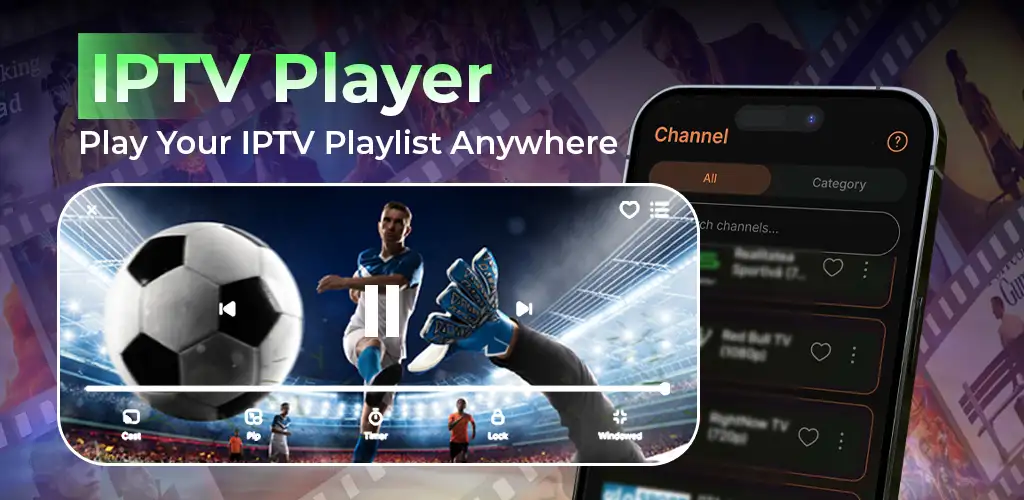
One of the easiest ways to enjoy IPTV content is by using an IPTV Player application. These players are designed to organize your channels, movies, and series into a user friendly interface.
If youve never used an IPTV Player before dont worry. The process is simple, and this guide will walk you through everything.
What Is an IPTV Player?
An IPTV Player is an application that reads IPTV subscription information and displays content in an organized way.
Think of it as a media player specifically designed for IPTV services.
Popular IPTV Players
• IPTV Smarters Pro
• TiviMate
• XCIPTV
• IPTV Stream Player
• Perfect Player
• OTT Navigator
Why Use an IPTV Player?
Benefits include:
• Better channel organization
• Fast navigation
• EPG support
• Multiple playlist support
• Favorites management
• Better playback performance
Step 1: Download the IPTV Player
Install the player from:
• Google Play Store
• Apple App Store
• Official application website
Choose the version compatible with your device.
Step 2: Open the Application
Once installed, launch the application.
Youll typically see options such as:
• Add Playlist
• Login with Xtream Codes
• Import M3U
Step 3: Enter IPTV Credentials
Option A: Xtream Codes
Enter:
• Username
• Password
• Server URL
Option B: M3U Playlist
Paste the playlist URL provided by your IPTV service.
Step 4: Import Channels
The player will automatically import:
• Live TV
• Movies
• Series
• Categories
• EPG data
Allow the process to complete fully.
Step 5: Customize Your Experience
Many IPTV Players allow:
• Theme changes
• Favorites lists
• Category management
• Playback settings
• External player integration
Take advantage of these features to improve your viewing experience.
Best Settings for Smooth Playback
• Enable hardware decoding
• Update EPG regularly
• Use stable internet
• Clear cache periodically
Troubleshooting Playback Issues
Buffering
Possible causes:
• Slow internet
• Busy server
• VPN issues
No Channels Showing
Possible causes:
• Incorrect login
• Expired subscription
• Playlist loading error
Audio Problems
Try:
• Switching audio tracks
• Restarting the app
• Updating the player
Benefits of IPTV Players
A quality IPTV Player gives you:
• Faster performance
• Cleaner interface
• Better playback quality
• Improved content management
Many users find IPTV Players much easier to use than browser based solutions.
Final Thoughts
Using an IPTV Player is one of the best ways to enjoy your IPTV subscription. The setup process only takes a few minutes, and the benefits are significant. Whether you’re watching sports, movies, TV shows, or international channels, a good IPTV Player helps deliver a smoother and more enjoyable streaming experience.


Leave a reply here
Your email address will not be published. Required fields are marked *