
Set Up IPTV Subscription on a Smart TV
Getting started with IPTV on your Smart TV is much easier than most people think. If youve recently purchased an IPTV subscription and youre excited to start watching live TV channels, movies, sports, and series, youre in the right place.
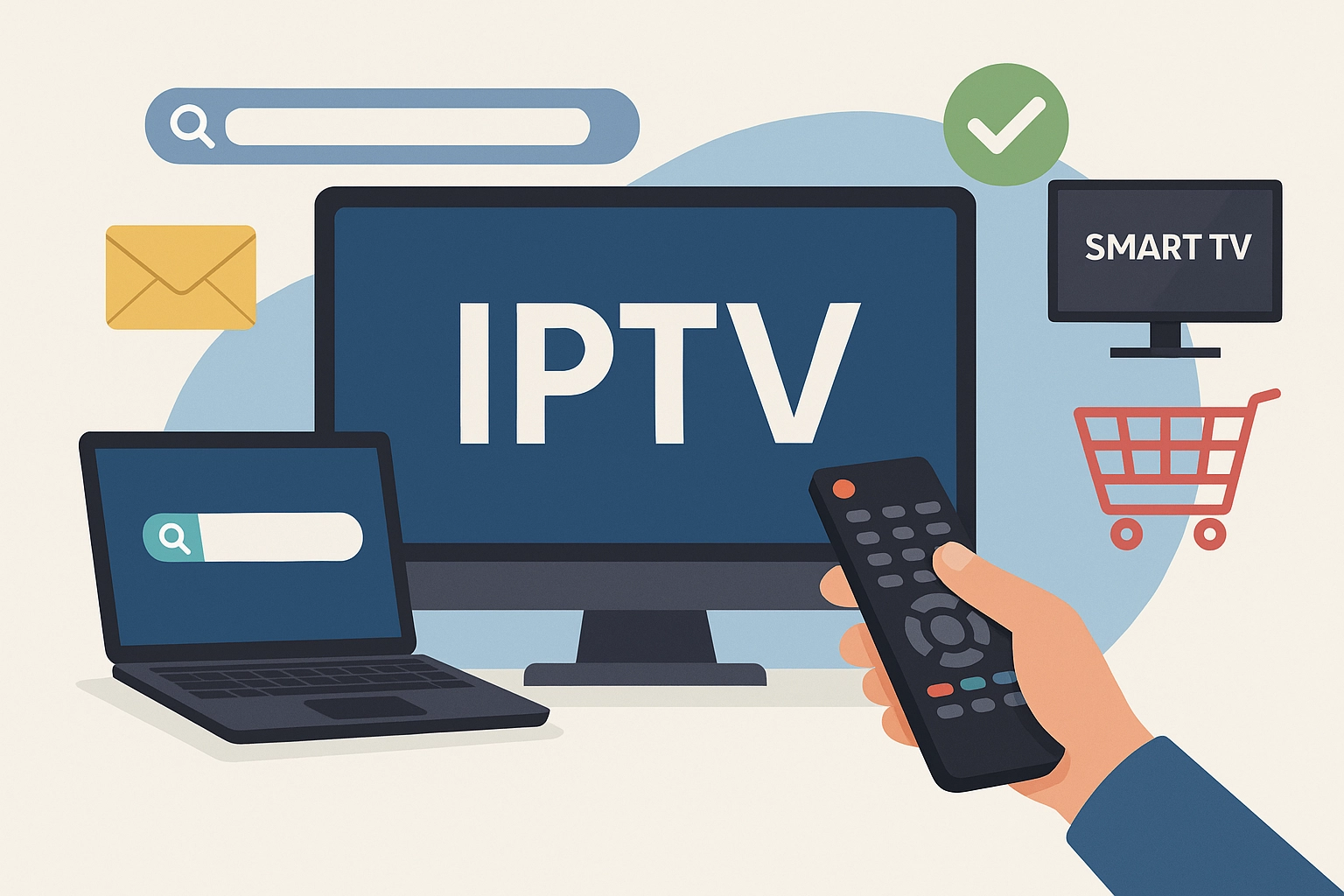
The great thing about Smart TVs is that they eliminate the need for additional devices in many cases. Whether you’re using a Samsung Smart TV, LG Smart TV, Android TV, Google TV, or another smart television platform, the setup process is generally straightforward.
Step 1: Check Your IPTV Information
Before you begin, make sure you have received your IPTV subscription details. Most IPTV providers will send one of the following:
• M3U Playlist URL
• Xtream Codes Login
• Username
• Password
• Server URL
Keep this information ready because you’ll need it during setup.
Step 2: Install an IPTV Application
Most Smart TVs require an IPTV player application.
Popular options include:
• IPTV Smarters Pro
• Smart IPTV
• SmartOne IPTV
• Flix IPTV
• IBO Player
• Duplex IPTV
Visit your TVs application store and search for the IPTV player recommended by your provider.
Step 3: Launch the App
After installation, open the application.
Most apps will display either:
• Device ID
• MAC Address
• Login Screen
Depending on the app youre using, the activation process may vary slightly.
Step 4: Add Your Subscription
Using Xtream Codes:
Enter:
• Username
• Password
• Server URL
Using M3U:
Paste your playlist URL into the application.
After entering the details, click Add User or Login.
Step 5: Wait for Content to Load
The application will download:
• Live TV channels
• Movies
• TV shows
• Electronic Program Guide (EPG)
This process can take a few minutes depending on your internet connection.
Step 6: Organize Your Content
Most IPTV applications allow you to:
• Create favorites
• Hide unwanted categories
• Sort channels
• Customize layouts
Taking a few minutes to organize everything makes daily use much more enjoyable.
Internet Requirements
For the best experience:
• HD Streaming: 15 Mbps
• Full HD Streaming: 25 Mbps
• 4K Streaming: 50 Mbps+
A wired Ethernet connection is always recommended.
Common Troubleshooting Tips
Problem: Channels not loading
Solution: Double check login details.
Problem: Buffering
Solution: Restart router and test internet speed.
Problem: App freezing
Solution: Clear cache or reinstall the app.
Problem: Missing channels
Solution: Refresh playlist and restart the application.
Why Smart TVs Are Great for IPTV
Smart TVs offer:
• Large screens
• Easy navigation
• High quality picture
• Remote control convenience
• No extra hardware in many cases
Final Thoughts
Setting up IPTV on a Smart TV is usually a one-time process that takes only a few minutes. Once configured correctly youll have instant access to thousands of channels, movies, series, and sports events from around the world. Follow the steps above keep your subscription details handy and enjoy a smooth streaming experience from the comfort of your living room.


Leave a reply here
Your email address will not be published. Required fields are marked *